


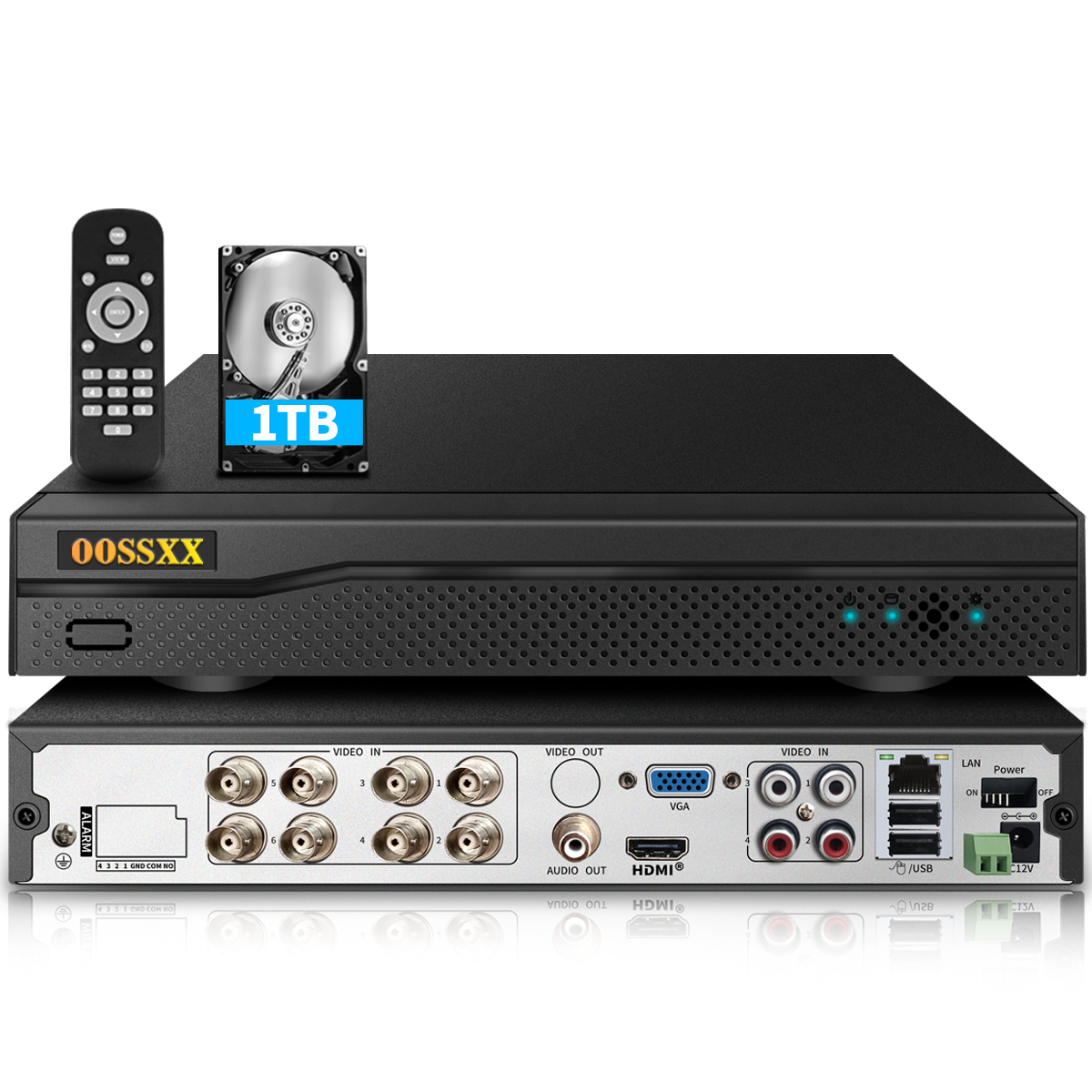


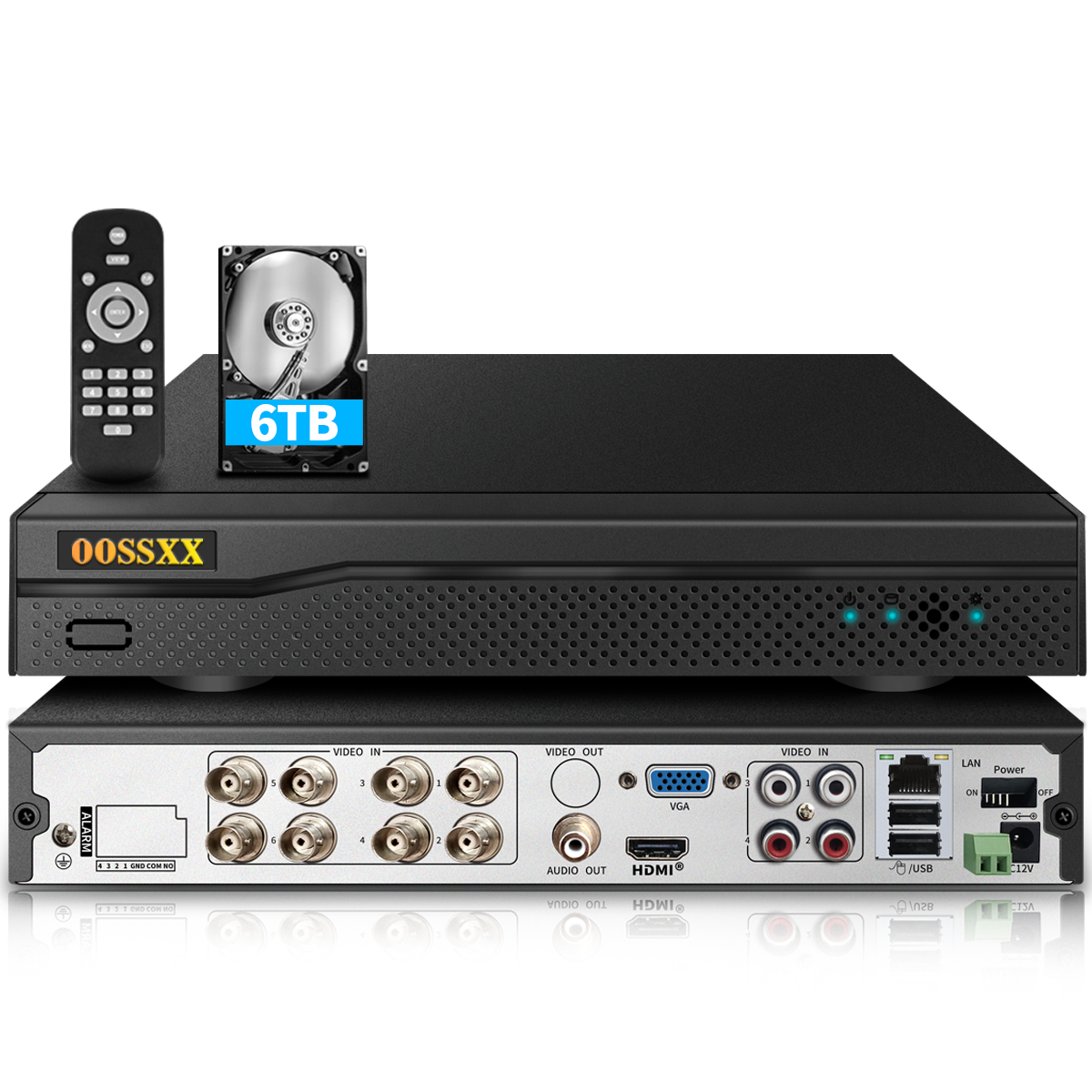









DVR de 8 canales con capacidad híbrida, grabador de video digital 5 en 1, grabador de seguridad DVR HD de 5.0 MP, sistema de cámara de seguridad AHD/analógica/TVI/CVBS/IP, videovigilancia

Detalles del producto
Manual de usuario: Descargar
Video de desempaquetado
Video de configuración
Acerca de este artículo
- {Alta definición Full HD 5.0MP} La cámara de seguridad de alta definición de 5.0 megapíxeles (2592 x 1944) garantiza una mayor seguridad para las personas y los hogares las 24 horas del día, los 7 días de la semana. Esto permite mantener la privacidad en ciertas situaciones. Las personas no pueden ver áreas o actividades determinadas. Puede acceder de forma remota y simultánea en dispositivos inteligentes (iOS/Android) en cualquier momento y lugar con Wi-Fi/2G/3G/4G desde su teléfono inteligente, tableta o PC. Nunca perderá ningún momento gracias a la reproducción remota y local, sin importar dónde se encuentre. También puede reproducir grabaciones de video mediante búsqueda.
- {Compresión de video avanzada de alta eficiencia H.265+} La tecnología de codificación de video H.265+ desarrollada por OOSSXX extrae funciones que se centran en las características de las escenas de vigilancia para lograr un mayor espacio de almacenamiento y una mejor calidad de imagen. El formato H.265+ puede mejorar aún más la relación de compresión sobre la base del estándar H.265 y ahorrar mucho más almacenamiento en comparación con el H.264, lo que permite ahorrar recursos de almacenamiento de manera efectiva y proporciona una experiencia de visualización excelente y fluida.
- {Detección de movimiento avanzada y notificaciones push} Personalice el área de detección de movimiento en cada cámara para minimizar las alertas falsas causadas por ramas que se mueven o animales, y bloquee áreas seleccionadas para garantizar la privacidad en ciertas situaciones donde las personas no deben ver áreas o actividades determinadas. Las notificaciones instantáneas y las alertas por correo electrónico con capturas de pantalla se enviarán directamente a su teléfono tan pronto como las cámaras detecten objetos en movimiento.
- {Sistema HD Plug and Play} El grabador de video digital permite una instalación y configuración sencillas. Después de conectar las cámaras de seguridad a los puertos del DVR, la grabación y las vistas en vivo se pueden observar en segundos a través de un monitor HDMI o VGA.
- {DVR híbrido 5 en 1} DVR de 8 canales 5 en 1 que le brinda la flexibilidad de agregar 8 cámaras analógicas, HD-TVI, CVI, AHD o IP de 720P/960H/1080P/3MP/5MP, o 8 cámaras IP de 720P/960P/1080P/3MP/5MP.
- {Aplicación gratuita y acceso remoto desde cualquier lugar} Descargue la aplicación gratuita "Honestview" desde la App Store en su teléfono inteligente. Con una conexión a Internet, puede ver los videos de forma remota desde cualquier lugar en su teléfono (iOS y Android), PC o tableta cuando las cámaras detecten objetos en movimiento.
- {Descripción de compatibilidad} Admite el protocolo ONVIF para mejorar la compatibilidad entre marcas, lo que significa que nuestro DVR no solo es adecuado para cámaras analógicas, HD-TVI, CVI, AHD e IP de OOSSXX, sino también para cámaras de otras marcas.
- {Solución a problemas comunes de compatibilidad} Si la cámara no se reconoce, verifique si el protocolo es consistente (como ONVIF Profile S) y actualice el firmware del DVR/cámara. Además, en las cámaras analógicas, es necesario confirmar el formato de señal (como AHD 3.0 vs. AHD 5.0).
Descripción del producto


Qué hay en la caja
DVR híbrido de 8 canales y 5.0MP con disco duro XTB x 1
Fuente de alimentación de CC 12V2A para DVR x 1
Cable HDMI de 3 pies x 1
Control remoto x 1
Mouse USB x 1

Vistos recientemente
Customer Reviews
Very safely packed and easy to install, works splendidly with our analog cameras, easy to install both standalone or with remote access on mobile.
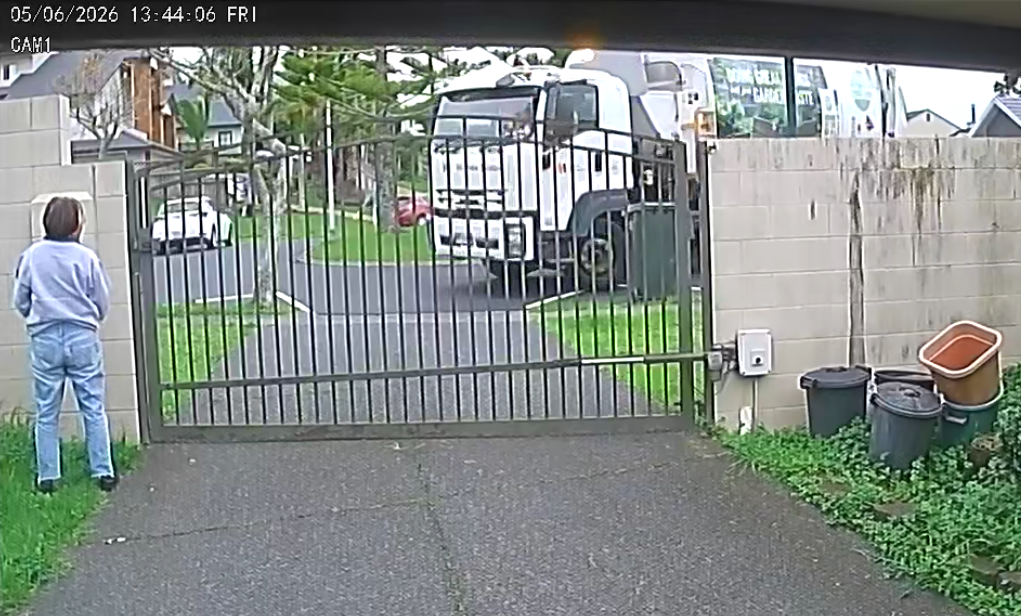
I utilized this product to establish security camera coverage and recording at my residence. Thus far, it has offered effortless recording and straightforward playback options.
I purchased the DVR to upgrade my old 8-channel OOSSXX system from 2013. Initially, I bought two cameras to replace a couple of broken ones, intending that to be the end of it. However, I was pleasantly surprised by how well the new system performed and the superior picture quality of the new 1080P cameras compared to the old 720p ones. While the old OOSSXX cameras worked fine with this DVR, the picture quality of the 1080P cameras was notably better.
Impressed by the upgrade, I ended up purchasing more cameras, and now my entire system is equipped with 1080P resolution. I utilize the remote client extensively to monitor the location, and it performs admirably on my iPhone, Windows 10 PC, and MacBook Air laptop.
For storage, I installed a 4TB hard drive alongside an old 1TB hard drive—yes, this DVR can accommodate two hard drives—providing a total of 5TB storage capacity. With this setup, I can store full 1080P footage from nine different cameras for a little over two months.
Being a hybrid system, you can also use cameras from other manufacturers, as long as you ensure compatibility by checking the specs. Additionally, the best part is that this DVR is ONVIF compliant, making it quite future-proof.
Purchased this product to replace a DVR with 12 IP cameras that were failing. The setup is similar to my previous DVR. The user interface can be confusing at times, and some settings sometimes don't seem to stick, especially when using the Copy operation to copy settings from one camera to another. Has enough useful features, but could have had more settings to make it more customizable. Initially during setup it stopped recording and I couldn't figure out why. At some point I rebooted the device and it started recording again, even though I hadn't made any recent changes to the configuration. This is confusing, and my guess is that even if the UI doesn't warn about this, some settings may not always take effect until a reboot. It's a weird fluke if a reboot isn't required for any setting changes to take effect.
Overall, I like it. Here are some general observations:
Desktop application:
- The login page remembers recent login information for easier recall. Wish it had a remember me box to allow bypassing the login entirely.
- Can connect using a special code (QR scan) to access the internet without port forwarding. This works most of the time, but I'm guessing their servers aren't always accessible since I can't always connect using this method.
- Can connect via router/port forwarding using local IP (works great) or my own dynamic DNS address (works great).
- The viewer allows multiple screen divisions depending on the number of cameras you have.
- When viewing a single camera and clicking the Play button on the toolbar, it falls back to the multi-camera view and you have to zoom into a window to view the footage, which is annoying, but not a big deal.
- Easily access the configuration menu via right click.
- It's a little confusing to find how to download video clips from recordings, but once you find it, it's possible and not too difficult.
- Separate recording properties (FPS/Bitrate) can be set for each camera, which is useful since not all locations require high frame rate recording.
- Recording playback is synchronized between all cameras. My last DVR didn't do this and I missed this feature so much, so having it back on this DVR is a welcome addition.
- Displays the current date/time in the upper right corner of the screen, which can be annoying. When you play back the recording, it can be a little confusing because the camera playback time (if your camera has this feature) will be correct for the recording you're viewing, but the DVR will still display the current time in the upper right corner.
- Camera images are displayed clearly. I'm using non-OOSSXX cameras, but all are Onvif 2.04 compliant and the DVR seems to work well with them. I would like to see the desktop CMS provide a page that allows changing camera settings for any Onvif compatible camera, similar to the Onvif Device Manager. The CMS does provide general image controls (brightness, contrast, etc.), but I would have liked to see the ability to restart the camera, edit user properties, camera network settings, etc.
- After viewing a recording, the display sometimes drops back to 4 views even though I was previously using 16 views...very annoying.
- The DVR allows DHCP or static IP settings, which works great.
- The DVR has a very loud buzzer/buzzer installed and when the DVR is turned off it beeps very loudly and there doesn't seem to be an option to silence it. I might need to put some tape on it to deaden the sound, or even physically remove it from the board (yes, I know that will void my warranty), but it's just that annoying.
- There is a scheduled restart feature, which is nice, but due to the aforementioned loud buzzer, I wouldn't want this thing to go off on any regular schedule.
- It has a remote control and mouse, but I didn't use them. I just installed the CMS software and set it up directly from my PC, which is very convenient and much easier since you can use the keyboard as well.
- Allows zooming in on individual camera views, but the zoom UI is clunky. My previous DVR used a mouse wheel to zoom in/out, which was very intuitive. I'd really like to see something added here.
- Playback in the software viewer sometimes periodically skips a few frames, but this must be an issue with the CMS software or the DVR processor not being able to keep up, because I downloaded the mp4 recording of the same time, and the downloaded video is clear, crisp, and seems Doesn't show the same jump as footage viewed in CMS software. As long as the downloaded video is correct, I'm happy because that only matters when needed.
Using PTZ causes the system to switch to different cameras instead of staying on the camera that is utilizing PTZ. It's also not possible to rearrange the image boxes to customize the positioning of all the cameras without physically moving them into the desired lineup. Additionally, the app experiences issues with smooth response when using PTZ and zoom functions, despite having a high internet speed of 1Gbps with an upload speed of 350Mbps. This lag and erratic behavior should not occur. Please address these issues, and if resolved, I'll happily give a 5-star rating. Thank you.
